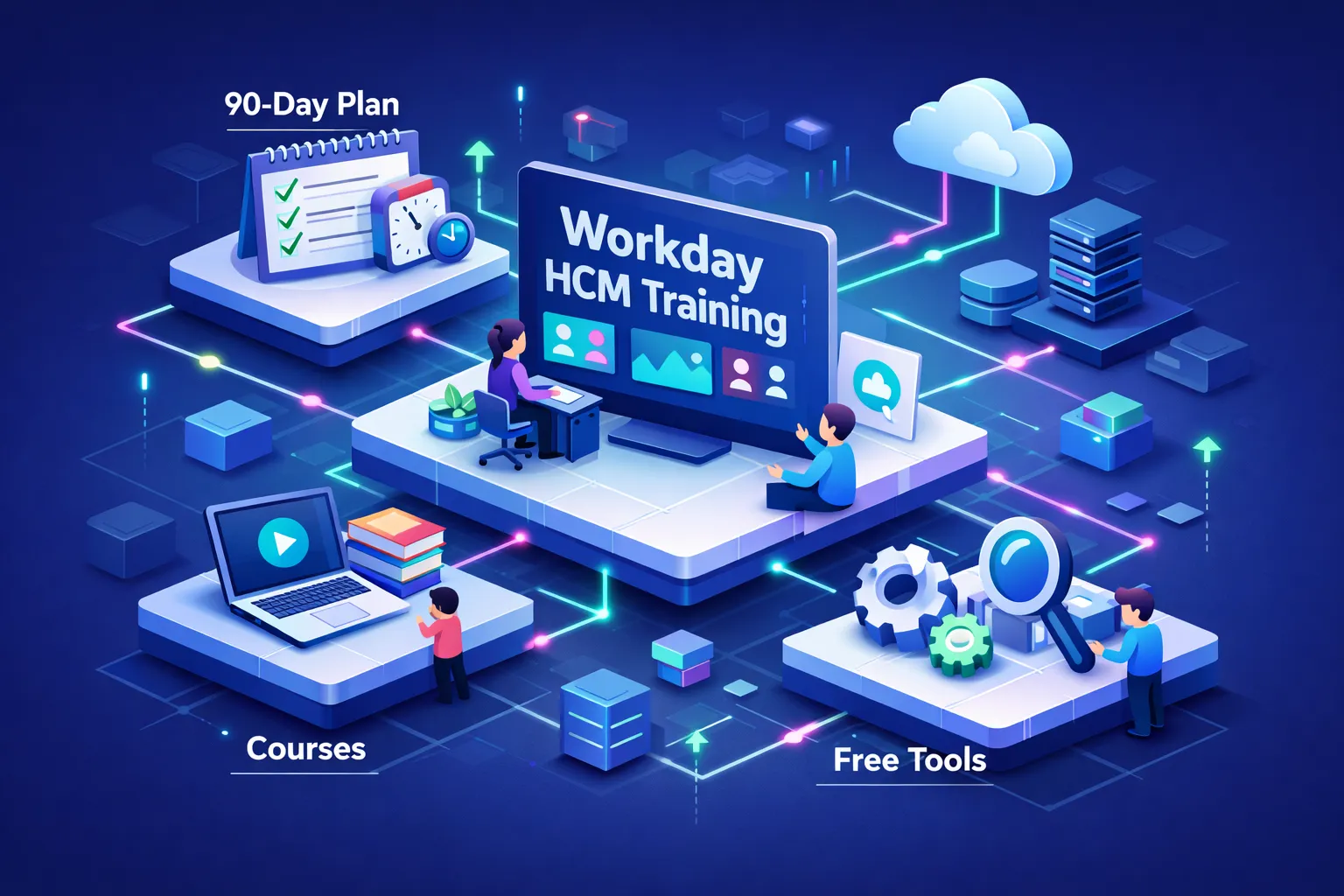
Short answer: Yes — focused workday hcm training that combines free study materials, a targeted paid course, and deliberate project practice can make you job‑ready in roughly 90 days; full official certification and tenant access are usually employer‑ or partner‑restricted and cost extra. At CloudShine we train enterprise consultants with project‑based labs and placement support; below you’ll get a decision framework, realistic cost and access rules, a week‑by‑week 30/60/90 plan, and concrete next steps.
Choose the right Workday HCM training path for your situation
One‑line takeaway: Match your budget, timeline and career goal to one of three routes — official, third‑party bootcamp, or self‑directed free learning — and commit to two measurable outcomes (an implementation document and a portfolio lab).
The Pivoter (experienced HR/ERP pro): If you already understand HR systems, pursue employer/partner‑sponsored official courses or a top‑tier third‑party bootcamp that includes integrations and security modules. Prioritize live labs and integration scenarios; recruiters want consultants who can map business requirements to Workday configuration.
The Aspirant (graduate or career starter): Start with free Workday Basics to learn vocabulary, then take a structured low‑cost course (Coursera audit + an affordable Udemy or bootcamp). Reserve budget for a paid lab program later — hands‑on projects matter more than an early certification badge.
The Enterprise buyer (HR/IT leader): For teams, go official or partner with a corporate training provider that offers tenant access, custom labs and placement transition services. A provider like CloudShine can deliver scenario‑based upskilling with placement coaching to reduce ramp‑up time for internal hires.
Quick checklist to vet any course before you pay:
- Sandbox or simulation access (live tenant vs simulated clearly stated).
- Trainer industry experience (look for 10–15+ years and consultant background).
- Placement and mock interview support (resume reviews, interview logs).
- Syllabus alignment with HCM Core (hire‑to‑retire, security, reporting, integrations).
- Refund or guarantee policy.
Actionable step: pick one path, set a 90‑day schedule, and lock two deliverables: a documented implementation spec and one completed portfolio lab.
Official Workday training vs third‑party courses — what you actually get
Official Workday training and partner certification are the gold standard for enterprise customers and consulting partners, but they’re expensive and access‑controlled. Third‑party providers sell faster, cheaper, and more hands‑on routes; quality varies widely, so focus on track record and lab type.
| Feature | Official Workday | Third‑party bootcamps |
|---|---|---|
| Cost | High — often several thousand USD (reports near $4k per track) | Wide range — from low‑cost courses ($10s) to premium bootcamps ($500–$3k) |
| Sandbox access | Live tenant for customers/partners only | Simulated labs or partner‑mediated tenant access; verify live vs simulated |
| Certification eligibility | Official certification often restricted to customers/partners | Certificates of completion; not official Workday certification |
| Duration | Varies by track — formal programs can be multi‑week | Bootcamps: 4–8 weeks typical; self‑paced varies |
| Recruiter credibility | High for partner roles | Good if provider has proven alumni outcomes and live labs |
Buyer’s final check before you pay: request a sample curriculum, trainer CVs, alumni outcomes (placements), precise lab access details (live tenant versus simulation), and clear refund/placement terms. If you need the official stamp, budget for official tracks; otherwise, pick a reputable provider that gives project artifacts you can show recruiters.
High‑value free Workday HCM resources and how to use them
Free resources are excellent for vocabulary, process maps, and early vetting of paid options — but they rarely grant hands‑on tenant access.
Core free resources to start with:
- Workday Learn — Workday Basics & Workday in Action: Product map, terminology and business process overviews.
- Coursera (audit mode): Workday Basics videos and demos you can view without paying.
- Official Workday resource hub: Whitepapers, product briefs and integration overviews for context.
- YouTube & community walkthroughs: Good for demos — always cross‑check against official docs.
How to use free resources efficiently: run a two‑week sprint before you buy anything. Watch core videos, build a one‑page glossary of HCM objects (supervisory orgs, job profiles, business processes), and sketch a hire‑to‑retire process map. Use those notes to form precise questions you’ll take into a paid lab — free content reduces confusion and accelerates hands‑on learning.
How to get hands‑on legally — sandboxes, simulated labs and portfolio projects
The reality: public Workday tenants are not available to individuals. Legal hands‑on access comes through employers, partners, or authorized training providers.
Legal hands‑on options include employer or partner tenant access, accredited training providers with simulated or partner‑mediated labs, and integration practice using middleware sandboxes (MuleSoft, Boomi) or API simulators. At CloudShine we focus on project‑based sessions and scenario‑driven labs so learners finish with shareable artifacts even if they don’t have a production tenant.
Mini lab project ideas you can complete without an official tenant:
- Create a hire‑to‑onboard business process and a matching custom report (document steps and screenshots).
- Design an EIB import plan for 500 employees with field mappings and error‑handling notes.
- Build a security group matrix and document role assignments and test cases.
Actionable takeaway: if you can’t get tenant access, produce three demonstrable projects (config snapshots, report exports, integration plans) and keep them in a concise portfolio for interviews.
A practical 30/60/90‑day Workday HCM learning plan (hours, weekly deliverables)
Program target: 100–150 focused hours across 90 days (adjust up or down for prior HR experience). Track hours in a simple spreadsheet and set weekly deliverables.
Days 1–30 — Foundations (30–45 hours)
Goals: learn navigation, org models, staffing and common business processes. Week tasks: complete Workday Basics videos, map a sample supervisory org, write out a hire‑to‑terminate flow. Deliverable: one documented org model plus a short screencap or annotated screenshots demonstrating navigation and a business process flow.
Days 31–60 — Intermediate (40–50 hours)
Goals: security basics, reporting, configurable business processes and entry‑level integrations. Week tasks: build two custom reports, create a security group matrix, sketch an EIB with field mapping and error handling. Deliverable: exported report examples and a written integration plan you could present to a hiring manager.
Days 61–90 — Advanced & job prep (30–55 hours)
Goals: complete scenario projects, run mock interviews, and finalize a portfolio. Week tasks: complete a mock implementation (localization or merger scenario), perform three mock interviews, and polish a one‑page project portfolio. Deliverables: 2–3 portfolio pieces, three logged mock interview notes, and a certification prep checklist.
Course mix recommendation: audit Workday Basics early, use a mid‑tier third‑party bootcamp for guided configuration (weeks 31–60), and add instructor feedback or project sessions late in the plan. CloudShine’s project‑based sessions are designed for weeks 61–90 if you want pragmatic instructor critique and placement coaching.
Certification, job‑ready next steps and FAQs
Certification essentials: HCM Core is the logical starting point; other paths include Advanced Compensation, Payroll, Talent and Integration. Official certification tracks are often restricted to customers and partners and can cost several thousand dollars; third‑party credentials vary from modest course certificates to bootcamp diplomas. Reported official track costs have been cited near $4,000, while third‑party courses range widely (from low‑cost self‑study to $1,500–$3,000 for hands‑on bootcamps).
Job preparation checklist: craft 3–5 resume bullets that show outcomes (for example, “Designed supervisory org and simplified onboarding flow, reducing manual steps”), practice explaining a hire‑to‑retire flow, and be ready to walk through a custom report and an integration plan. Use mock interviews and resume reviews from your training provider — CloudShine includes placement coaching and mock interviews in selected programs.
Final action: pick your path (free → third‑party labs → official sponsor), schedule the first 14 study days now, and produce your first portfolio deliverable (a documented org model) within 30 days.
FAQs
Q: How long to be job‑ready? With focused study and labs, roughly 90 days (100–150 hours); more time is needed if you lack HR fundamentals.
Q: Can I get a Workday sandbox as an individual? No — production and sandbox tenants are reserved for customers and partners; use authorized training labs or simulated projects instead.
Q: How much does Workday HCM certification cost? Official tracks vary and can be several thousand dollars; third‑party training ranges widely — confirm exact pricing with each vendor.
Q: Which course is best for beginners? Start with Workday Basics (free) plus a structured, hands‑on course (Coursera audit + an affordable bootcamp). Upgrade to a paid lab program for practical experience.
Two final points: 1) Free study will get you fluent in vocabulary and processes; paid labs make you hireable. 2) Convert every lab into a portfolio artifact — recruiters hire demonstrable outcomes, not certificates alone.
Call to action: Choose a path today, block the next two weeks for a free sprint, and create your first org model deliverable — if you want instructor feedback and placement support, explore CloudShine’s project‑based Workday sessions and placement cell.
Leave a Reply