CloudshinePro

Category: CloudShine Courses

  • Workday Certification Course: Top Paths, Costs & 90‑Day Plan

    Workday Certification Course: Top Paths, Costs & 90‑Day Plan

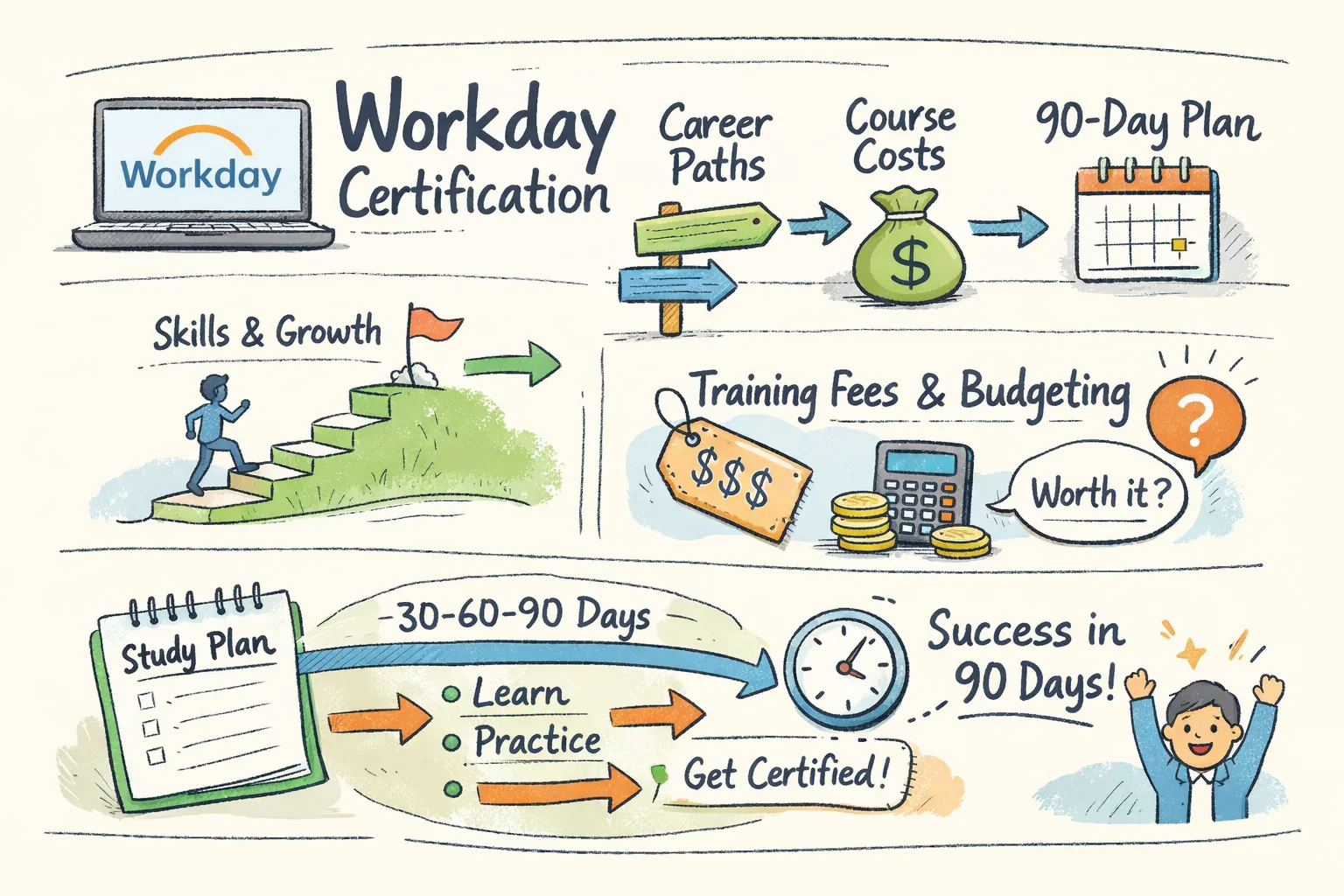
    Short answer: Yes—you can become Workday certified, but the fastest route depends on whether your employer is a Workday customer/partner and can sponsor access to the Workday Learning Center. This workday certification course guide compares official and third‑party routes, lays out costs and exam rules, and gives a week‑by‑week 90‑day study plan you can follow; CloudShine’s practical, placement‑focused approach is used as a job‑ready example.

    Official vs third‑party: which training path is right for you?

    Quick takeaway: If your employer can enroll you as a Workday customer or partner, the official path gives the credential employers recognize; if not, choose a third‑party provider that guarantees sandbox time and placement support. Both paths prepare you for real work, but they serve different access and budget realities.

    Official Workday training and Workday Pro certification carry the strongest brand credibility because exams and transcripts are issued through the Workday Learning Center. The downside is eligibility: many pro-level tracks require employer sponsorship, and official instructor‑led units are billed per “training unit,” which makes upfront cost higher.

    Third‑party programs allow open enrollment, faster starts, and often lower sticker prices. The trade‑off is they cannot issue Workday Pro credentials — instead they must demonstrate job readiness through live labs, projects, and interview prep, which many hiring managers value equally when backed by demonstrable work.

    Decision shortcuts: if you have employer/partner access, pursue official certification. If you need a fast, interview‑ready portfolio, prioritize third‑party training that bundles real instance time and placement coaching. If your independent budget is under roughly $2k, look for bootcamps that include sandbox hours and placement assistance.

    CloudShine note: CloudShine positions itself as a practical route—live Workday labs, mentor support from consultants with 15+ years’ experience, a 60:24 teaching‑to‑lab ratio, and a placement cell focused on resume and mock interviews.

    Which Workday credentials exist — and which jobs they open

    Quick takeaway: Start with a foundational credential—Platform Administrator or HCM Core—then specialize into Compensation, Reporting, Integrations, or Financials depending on the role you want.

    Platform Administrator: targets system/admin roles and technical consultants who maintain security, business processes, and tenant health. HCM Core and module certifications (Compensation, Recruiting, Payroll) map to HRIS analyst, implementation consultant, or HR operations roles. Financials (Record‑to‑Report, Procure‑to‑Pay) feed finance/ERP consultant and GL/AP specialist roles. For related Oracle process coverage see Oracle Fusion Financial Control & Reporting Important Roles | Oracle Financials Cloud | CloudShine.

    Adaptive Planning suits FP&A analysts and financial modelers; Integrations and Security certifications suit integration consultants and security administrators who handle EIBs, Workday Studio, and domain security. Employers usually hire a mix: admins to run the tenant, specialists to own modules, and integrators for cross‑system work.

    Choose by persona: The Pivoter (ERP or finance background) often begins with Platform Admin or HCM Core plus a specialist module. The Aspirant (recent graduate) should focus on HCM Core and reporting, then build a portfolio of reports and small integration demos. Enterprise buyers should certify people for the exact process they own (e.g., Hire‑to‑Retire or Procure‑to‑Pay) — see also Oracle Fusion Sales Order to Shipment Cycle | Order to Cash Life Cycle | CloudShine for an Order‑to‑Cash perspective.

    Actionable choice: target HCM Core or Platform Administrator as your first certified area; plan specialization after 6–12 months of sandbox experience.

    Cost, formats and what hands‑on practice must include

    Quick takeaway: Official training and exams are pricier but authoritative; third‑party pricing varies widely—prioritize providers that include live sandboxes and configuration tasks rather than video-only syllabi.

    Reality check on prices (verify before you buy): official instructor‑led courses are often billed by training unit, commonly around $800 per unit; exams are commonly reported at ≈ $800 per attempt. That puts many official paths in the $1,500–$4,000 range depending on units required. Third‑party bootcamps span roughly $500–$3,000 depending on depth and whether sandbox/placement is included. (Workday’s official education datasheet outlines typical training formats and unit concepts: Workday Education & Training datasheet.)

    • Essential hands‑on items any serious program must provide: an admin sandbox for orgs and positions, data‑load practice (iLoads and EIBs), reporting and calculated fields labs, security & business process configuration with testing scenarios, and at least a basic integrations lab.

    What to ask a provider: “Do I get dedicated sandbox access and how many lab hours are included?” “Can I practice iLoads and EIBs?” “How many mock interviews and resume reviews are included?” “What real project work will I submit?”

    CloudShine as a template: CloudShine’s curriculum is 100% practical, provides live tenant access, pairs experienced trainers (15+ years) with a 60:24 instruction‑to‑lab model, and includes a placement cell for resume and mock interview coaching — the package you should expect from a job‑focused vendor.

    Actionable takeaway: if a vendor can’t promise sandbox time and mock interviews, budget an extra ~20% for supplemental lab access or choose a different provider. For broader context on third‑party certification routes and comparisons, see this third‑party guide to Workday certification.

    Exam mechanics: format, pass score, retakes and recertification

    Quick takeaway: Workday exams are proctored, closed‑book and scenario‑heavy. Plan your study around timed mocks plus targeted sandbox drills rather than just watching videos.

    • Format and rules: most module exams contain around 50 multiple‑choice and scenario questions, timed at roughly 100–120 minutes, closed‑book and proctored through the Workday Learning Center. Passing thresholds commonly fall between 70–80% (verify the exact score for your module). Retakes usually require a training credit or fee (reported ≈ $800) and may have a short waiting period. Recertification cadence is commonly two years.

    Exam‑day checklist: secure a quiet room, stable internet, webcam and a valid photo ID; do two full timed mocks in the final week; bring a one‑page error log of topics you struggled with for quick last‑minute review (noting, not to consult during the exam). For official enrollment and proctoring procedures see the Workday Pro enrollment job aid: Enrollment: WorkdayPro Job Aid.

    Actionable takeaway: schedule your exam only after completing three full timed mocks and at least 20 hours of targeted sandbox practice on your weakest topic areas.

    A practical 90‑day study & enrollment plan

    Quick takeaway: A focused 12‑week plan splits into onboarding, core builds, integrations/reporting, then consolidation and exams. Adjust hours for working learners versus full‑time bootcampers.

    Time budgets: working professionals — plan 10–15 hours/week (evenings + weekends); full‑time learners — 25–35 hours/week for bootcamp intensity.

    1. Week 1 — Orientation & baseline: decide official vs third‑party, enroll, get sandbox access, create a study tracker and tentatively schedule your exam. Deliverable: sandbox login and calendar.
    2. Weeks 2–4 — Core fundamentals: navigation, org structures, positions, staffing, and basic business processes. Deliverable: three sandbox configuration tasks completed.
    3. Weeks 5–6 — Security & business processes: configure end‑to‑end hire→comp→termination flows and test approvals. Deliverable: recorded business process walkthrough. For practical guidance on approval hierarchies, see Understanding Fusion Purchasing Approvals Hierachy | Know about Oracle Fusion Approval Methods | CloudShine.
    4. Weeks 7–8 — Reporting & calculated fields: build five reports (headcount, comp, turnover, open requisitions, cost center summary) and one dashboard. Deliverable: saved reports and dashboard.
    5. Week 9 — Integrations & data loading: practice EIBs and iLoads, run validation and reconciliation. Deliverable: successful data load and EIB run.
    6. Week 10 — Consolidation: rework weak labs, document errors, and prepare a remediation log. Deliverable: gap list and fixes.
    7. Week 11 — Timed mocks & interview prep: do three full mocks, update your resume for Workday roles, and run two technical mock interviews. Deliverable: mock scores and interviewable resume.
    8. Week 12 — Final review & exam: light topic drills, final checklist, sit the proctored exam. Deliverable: exam completed.

    If you don’t have native Workday access, enroll with a vendor that guarantees sandbox hours (CloudShine is an example) or combine self‑study with paid lab rentals and guided sessions. Locking your exam date at the start of week 1 improves completion rates significantly.

    Next steps, budget cheat‑sheet and FAQs

    Quick next steps: Check whether your employer can sponsor access, shortlist two third‑party programs that include sandbox and placement support, then build your 90‑day calendar and reserve an exam slot in week 12. For certification route comparisons and job outcomes, this Indeed guide to Workday HCM certification is a helpful independent primer.

    Route Ballpark cost
    Official Workday training + exam $1,500–$4,000 for courses + ≈ $800 per exam attempt (verify current rates)
    Third‑party bootcamp $500–$3,000 depending on sandbox & placement inclusion
    Hidden costs Sandbox rental, retake fees, extra mock interviews, time off for exams

    FAQs

    Can I get Workday certified as an independent individual?

    Short answer: Generally no for many Workday Pro exams—official pro‑level certifications usually require employer sponsorship (customer/partner). Independent learners should complete third‑party training and pursue employer sponsorship for the official credential. For independent learners looking for step‑by‑step options, see this practical third‑party perspective: Workday certification guide.

    How much does a Workday certification cost?

    Expect roughly $800 per official exam attempt plus course fees. Instructor‑led official courses are often billed per training unit (≈ $800/unit). Always confirm current pricing with Workday or your chosen provider.

    How long does preparation take?

    With 10–15 hours/week, a focused 90‑day plan is realistic to prepare for a single module if you pair video learning with at least 20–40 hours of sandbox practice and repeated timed mocks.

    Do employers prefer official Workday certification?

    Official certs are a clear signal of vendor‑validated competence, but hiring managers often value demonstrable hands‑on experience—reports, integrations, and real tenant work—equally or more, especially for junior roles. For role‑focused guidance on finance/ERP roles, review Oracle Fusion Finance Important Roles | Roles in Fusion Applications | CloudShine.

    Is hands‑on lab access necessary?

    Yes. Exams and on‑the‑job tasks assume you can configure, test, and troubleshoot in a sandbox. If a program lacks real instance time, treat it as incomplete for practical readiness. For adjacent process and SCM context, see An Intro to SCM Modules In Oracle Cloud Applications, CloudShine.

    Summary: pick the official path if you have employer access; otherwise choose a third‑party program that guarantees sandbox hours, timed mocks and placement coaching. If you want a job‑ready option that pairs live instances, mentor hours, mock interviews and placement help, use those checklist items above to evaluate providers — CloudShine’s programs are designed to match that practical checklist.
  • Workday HCM Training: 90-Day Plan, Courses & Free Tools

    Workday HCM Training: 90-Day Plan, Courses & Free Tools

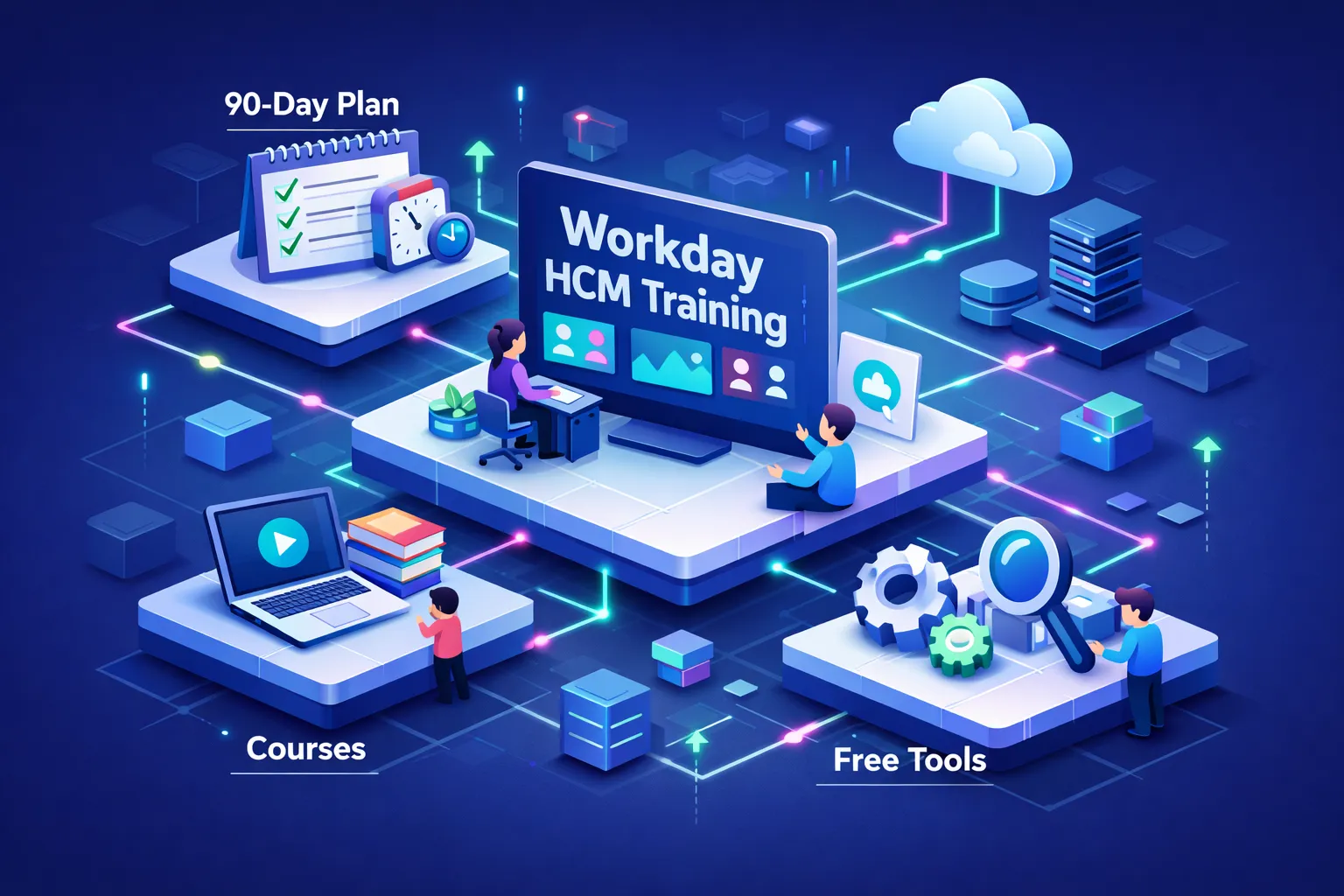
    Short answer: Yes — focused workday hcm training that combines free study materials, a targeted paid course, and deliberate project practice can make you job‑ready in roughly 90 days; full official certification and tenant access are usually employer‑ or partner‑restricted and cost extra. At CloudShine we train enterprise consultants with project‑based labs and placement support; below you’ll get a decision framework, realistic cost and access rules, a week‑by‑week 30/60/90 plan, and concrete next steps.

    Choose the right Workday HCM training path for your situation

    One‑line takeaway: Match your budget, timeline and career goal to one of three routes — official, third‑party bootcamp, or self‑directed free learning — and commit to two measurable outcomes (an implementation document and a portfolio lab).

    The Pivoter (experienced HR/ERP pro): If you already understand HR systems, pursue employer/partner‑sponsored official courses or a top‑tier third‑party bootcamp that includes integrations and security modules. Prioritize live labs and integration scenarios; recruiters want consultants who can map business requirements to Workday configuration.

    The Aspirant (graduate or career starter): Start with free Workday Basics to learn vocabulary, then take a structured low‑cost course (Coursera audit + an affordable Udemy or bootcamp). Reserve budget for a paid lab program later — hands‑on projects matter more than an early certification badge.

    The Enterprise buyer (HR/IT leader): For teams, go official or partner with a corporate training provider that offers tenant access, custom labs and placement transition services. A provider like CloudShine can deliver scenario‑based upskilling with placement coaching to reduce ramp‑up time for internal hires.

    Quick checklist to vet any course before you pay:

    • Sandbox or simulation access (live tenant vs simulated clearly stated).
    • Trainer industry experience (look for 10–15+ years and consultant background).
    • Placement and mock interview support (resume reviews, interview logs).
    • Syllabus alignment with HCM Core (hire‑to‑retire, security, reporting, integrations).
    • Refund or guarantee policy.

    Actionable step: pick one path, set a 90‑day schedule, and lock two deliverables: a documented implementation spec and one completed portfolio lab.

    Official Workday training vs third‑party courses — what you actually get

    Official Workday training and partner certification are the gold standard for enterprise customers and consulting partners, but they’re expensive and access‑controlled. Third‑party providers sell faster, cheaper, and more hands‑on routes; quality varies widely, so focus on track record and lab type.

    Feature Official Workday Third‑party bootcamps
    Cost High — often several thousand USD (reports near $4k per track) Wide range — from low‑cost courses ($10s) to premium bootcamps ($500–$3k)
    Sandbox access Live tenant for customers/partners only Simulated labs or partner‑mediated tenant access; verify live vs simulated
    Certification eligibility Official certification often restricted to customers/partners Certificates of completion; not official Workday certification
    Duration Varies by track — formal programs can be multi‑week Bootcamps: 4–8 weeks typical; self‑paced varies
    Recruiter credibility High for partner roles Good if provider has proven alumni outcomes and live labs

    Buyer’s final check before you pay: request a sample curriculum, trainer CVs, alumni outcomes (placements), precise lab access details (live tenant versus simulation), and clear refund/placement terms. If you need the official stamp, budget for official tracks; otherwise, pick a reputable provider that gives project artifacts you can show recruiters.

    High‑value free Workday HCM resources and how to use them

    Free resources are excellent for vocabulary, process maps, and early vetting of paid options — but they rarely grant hands‑on tenant access.

    Core free resources to start with:

    • Workday Learn — Workday Basics & Workday in Action: Product map, terminology and business process overviews.
    • Coursera (audit mode): Workday Basics videos and demos you can view without paying.
    • Official Workday resource hub: Whitepapers, product briefs and integration overviews for context.
    • YouTube & community walkthroughs: Good for demos — always cross‑check against official docs.

    How to use free resources efficiently: run a two‑week sprint before you buy anything. Watch core videos, build a one‑page glossary of HCM objects (supervisory orgs, job profiles, business processes), and sketch a hire‑to‑retire process map. Use those notes to form precise questions you’ll take into a paid lab — free content reduces confusion and accelerates hands‑on learning.

    How to get hands‑on legally — sandboxes, simulated labs and portfolio projects

    The reality: public Workday tenants are not available to individuals. Legal hands‑on access comes through employers, partners, or authorized training providers.

    Legal hands‑on options include employer or partner tenant access, accredited training providers with simulated or partner‑mediated labs, and integration practice using middleware sandboxes (MuleSoft, Boomi) or API simulators. At CloudShine we focus on project‑based sessions and scenario‑driven labs so learners finish with shareable artifacts even if they don’t have a production tenant.

    Mini lab project ideas you can complete without an official tenant:

    • Create a hire‑to‑onboard business process and a matching custom report (document steps and screenshots).
    • Design an EIB import plan for 500 employees with field mappings and error‑handling notes.
    • Build a security group matrix and document role assignments and test cases.

    Actionable takeaway: if you can’t get tenant access, produce three demonstrable projects (config snapshots, report exports, integration plans) and keep them in a concise portfolio for interviews.

    A practical 30/60/90‑day Workday HCM learning plan (hours, weekly deliverables)

    Program target: 100–150 focused hours across 90 days (adjust up or down for prior HR experience). Track hours in a simple spreadsheet and set weekly deliverables.

    Days 1–30 — Foundations (30–45 hours)

    Goals: learn navigation, org models, staffing and common business processes. Week tasks: complete Workday Basics videos, map a sample supervisory org, write out a hire‑to‑terminate flow. Deliverable: one documented org model plus a short screencap or annotated screenshots demonstrating navigation and a business process flow.

    Days 31–60 — Intermediate (40–50 hours)

    Goals: security basics, reporting, configurable business processes and entry‑level integrations. Week tasks: build two custom reports, create a security group matrix, sketch an EIB with field mapping and error handling. Deliverable: exported report examples and a written integration plan you could present to a hiring manager.

    Days 61–90 — Advanced & job prep (30–55 hours)

    Goals: complete scenario projects, run mock interviews, and finalize a portfolio. Week tasks: complete a mock implementation (localization or merger scenario), perform three mock interviews, and polish a one‑page project portfolio. Deliverables: 2–3 portfolio pieces, three logged mock interview notes, and a certification prep checklist.

    Course mix recommendation: audit Workday Basics early, use a mid‑tier third‑party bootcamp for guided configuration (weeks 31–60), and add instructor feedback or project sessions late in the plan. CloudShine’s project‑based sessions are designed for weeks 61–90 if you want pragmatic instructor critique and placement coaching.

    Certification, job‑ready next steps and FAQs

    Certification essentials: HCM Core is the logical starting point; other paths include Advanced Compensation, Payroll, Talent and Integration. Official certification tracks are often restricted to customers and partners and can cost several thousand dollars; third‑party credentials vary from modest course certificates to bootcamp diplomas. Reported official track costs have been cited near $4,000, while third‑party courses range widely (from low‑cost self‑study to $1,500–$3,000 for hands‑on bootcamps).

    Job preparation checklist: craft 3–5 resume bullets that show outcomes (for example, “Designed supervisory org and simplified onboarding flow, reducing manual steps”), practice explaining a hire‑to‑retire flow, and be ready to walk through a custom report and an integration plan. Use mock interviews and resume reviews from your training provider — CloudShine includes placement coaching and mock interviews in selected programs.

    Final action: pick your path (free → third‑party labs → official sponsor), schedule the first 14 study days now, and produce your first portfolio deliverable (a documented org model) within 30 days.

    FAQs

    Q: How long to be job‑ready? With focused study and labs, roughly 90 days (100–150 hours); more time is needed if you lack HR fundamentals.

    Q: Can I get a Workday sandbox as an individual? No — production and sandbox tenants are reserved for customers and partners; use authorized training labs or simulated projects instead.

    Q: How much does Workday HCM certification cost? Official tracks vary and can be several thousand dollars; third‑party training ranges widely — confirm exact pricing with each vendor.

    Q: Which course is best for beginners? Start with Workday Basics (free) plus a structured, hands‑on course (Coursera audit + an affordable bootcamp). Upgrade to a paid lab program for practical experience.

    Two final points: 1) Free study will get you fluent in vocabulary and processes; paid labs make you hireable. 2) Convert every lab into a portfolio artifact — recruiters hire demonstrable outcomes, not certificates alone.

    Call to action: Choose a path today, block the next two weeks for a free sprint, and create your first org model deliverable — if you want instructor feedback and placement support, explore CloudShine’s project‑based Workday sessions and placement cell.

  • Workday Training: Compare Courses, Bootcamps & Paths

    Workday Training: Compare Courses, Bootcamps & Paths

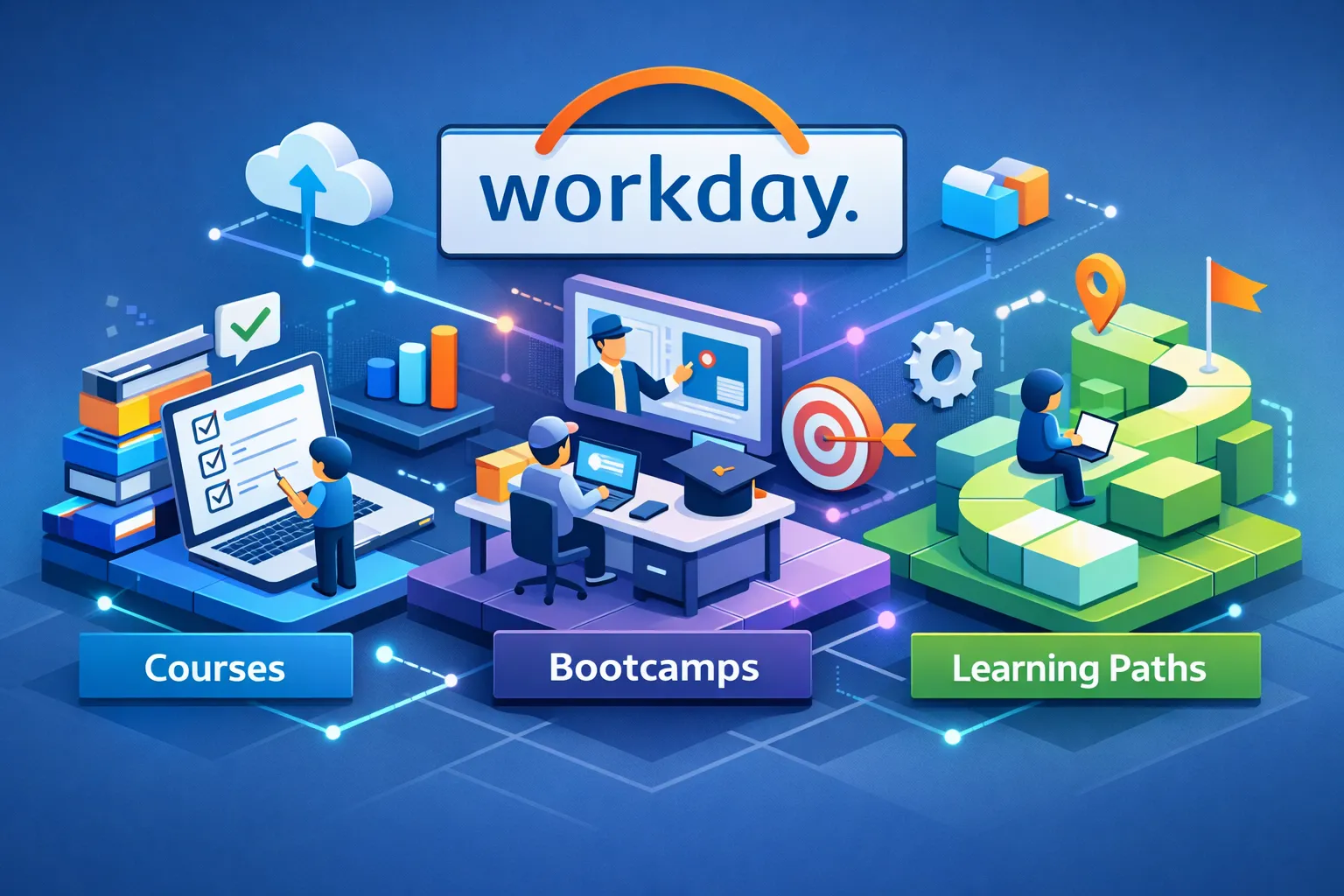
    Workday training follows four practical routes: official Workday Learning (best for employer‑recognized certification), partner bootcamps (best for rapid, hands‑on readiness), MOOCs/self‑paced courses (best for low‑cost orientation), and employer programs (best for immediate deployment). If your goal is a recognized credential and the highest hiring ROI, aim for Workday Pro; if you need interview‑ready configuration skills in weeks, choose a partner bootcamp with sandbox access — CloudShine is one provider that combines live tenants, practitioner mentors and placement support.

    Official Workday Learning vs partner bootcamps — what you get and who should pick each

    Direct takeaway: Official Workday Learning gives employer‑recognized badges and deep module coverage; partner bootcamps deliver condensed, practical experience useful for consultant and interview readiness.

    Official paths (Workday Learning / Workday Pro) cover module‑level topics — HCM Core, Financials, Payroll, Integrations and Platform Admin — and validate knowledge through proctored exams (about 50 questions, ~100 minutes, typically ~80% pass). These tracks are designed for customers and partner employees and often require partner affiliation for some implementer credentials. Expect a multi‑week learning curve and costs ranging from a few hundred for badges up to a few thousand for full certification bundles, often sponsored by employers. (If you’re comparing role expectations across platforms, see Oracle Fusion Finance Important Roles | Roles in Fusion Applications | CloudShine for a comparable finance role breakdown.)

    Partner bootcamps compress that learning into 1–6 intensive weeks with a heavy focus on labs, configuration workflows and interview scenarios. They’re typically led by ex‑consultants who teach real‑world artifacts you can show employers. Bootcamps rarely grant official Workday Pro credentials by themselves, but they make you deployable fast.

    Choose official learning if you need a recognized corporate badge or will work on vendor teams; choose a reputable bootcamp if you need practical tenant experience in 4–8 weeks to pass consultancy interviews.

    Self‑paced courses and MOOCs — smart uses and clear limits

    Direct takeaway: Short online courses are a low‑cost way to confirm interest and learn navigation and reporting basics, but they won’t replace sandbox practice or the hiring signal of an official cert.

    Platforms like Coursera, LinkedIn Learning and Udemy are useful for building foundational understanding: navigation, business process concepts and basic reporting. They’re excellent for non‑technical end users or for someone deciding whether to commit time and money to a deeper path. For a focused business‑user introduction, consider the Workday Human Capital Management course on CloudShine as a low‑cost way to validate interest and learn core navigation.

    Limits are clear: most MOOCs don’t include tenant access, they rarely qualify for official Workday certification credit, and they’re a weak signal for technical hiring. Use them as pre‑work: complete a short course to confirm interest, then upgrade to a bootcamp or an official path that includes labs and exam prep.

    Certifications and employer value — what hiring managers actually look for

    Direct takeaway: Certifications materially improve hiring odds and pay, but employers want both a badge and evidence of hands‑on tenant work.

    Common certs—Workday Pro HCM, Financials, Payroll, Integration and Platform Admin—map directly to roles. Certified candidates commonly see a 15–35% salary uplift (roughly $10k–$30k annually in many markets) and access to higher‑value roles like Workday consultant, HRIS analyst or system administrator. In practice, employers screen for certification first and then require tangible sandbox artifacts: configured business processes, reports, or an integration mapping you built. (For a sense of finance‑side pitfalls to avoid when presenting artifacts, you may find the Common Errors in Oracle Fusion Cost Accounting, CloudShine article a useful reference.)

    To align your effort with hiring outcomes, pick the certification that matches your target role (HCM for HR roles, Financials for FP&A/accounting, Integrations for middleware/technical positions), secure exam vouchers or partner sponsorship, and plan for 3–6 months of demonstrable sandbox projects to present in interviews.

    Why hands‑on labs and tenant hours are non‑negotiable — and how to verify them

    Direct takeaway: Sandbox access and graded labs separate “knows Workday” from “can implement Workday.”

    Hands‑on practice lets you build and test hire‑to‑retire business processes, run integrations, and validate reports safely. Real tenants have operational constraints (weekly refreshes, limited retention windows, and integration test limits) — trainers who know these constraints teach you how to plan realistic test cycles and produce artifacts employers will accept. Also review common approval hierarchies and purchasing workflows when you build sample labs (for a primer on approval methods, see Understanding Fusion Purchasing Approvals Hierachy | Know about Oracle Fusion Approval Methods | CloudShine).

    When evaluating providers, insist on seeing a sample lab, a tenant demo and a clear retention policy. Ask for deliverables you can use in interviews: screenshots, configuration notes, a short walkthrough video and a reconciliation report. Review providers’ lab formats against known challenge‑style exercises such as the hands‑on challenge labs model to ensure you’ll get graded, practical tasks rather than passive demos.

    CloudShine’s practical edge is factual: we focus on 100% practical labs, provide direct instance access, and assign mentors with 15+ years of implementation experience. For learners aiming for placement, CloudShine pairs tenant work with resume polishing and mock interviews so your lab portfolio becomes part of the hiring narrative. If you plan to include procurement or self‑service examples in your interview portfolio, a short sample lab on procurement tasks can be useful (see Oracle Fusion Self Service Procurement Important Roles | Oracle Fusion Self Service provider | CloudShine for role examples and artifacts you can adapt).

    How to choose: match your role, budget and timeline

    Direct takeaway: Match the training route to your persona, then verify five provider questions before you enroll.

    A quick persona map helps decide the route. An Aspirant (recent graduate) should start with a MOOC, move to a bootcamp with sandbox and join a placement program (8–12 weeks). A Pivoter (ERP/SAP or HR pro) benefits most from a partner bootcamp plus targeted Workday Pro certs (6–12 weeks) and hands‑on tenant work. An Enterprise leader should opt for employer‑run upskilling tied to implementation timelines. Platform or admin specialists should target the official Platform Administrator path and integrations labs.

    Before you pay, get providers to answer these questions live:

    • Does the syllabus include hands‑on tenant hours and sample labs I can show in interviews?
    • Who are the trainers — can they share implementation artifacts or LinkedIn profiles?
    • Is the training tied to official Workday certification paths and exam vouchers?
    • What placement support, mock interviews and alumni outcomes do you provide?
    • What is your tenant access policy (hours, data retention, refresh schedule) and refund policy?

    Make the provider demonstrate a lab and show a graded deliverable before you commit — that one check is worth more than any brochure. For guidance on evolving certification requirements and training changes you should be aware of, review the industry summary on Workday certification and training changes: what you should know.

    Enrollment script, quick provider email and FAQs

    Direct takeaway: Use a short 15‑minute verification call to remove ambiguity before you commit.

    Use this short enrollment script on a 15‑minute call. If the provider hesitates to show these, walk away:

    • “Please demo a tenant lab and show a sample deliverable I can take to interviews.”
    • “Do you provide exam vouchers or official partner access for Workday Pro paths?”
    • “What are your placement rates, mock interview format and alumni results?”
    • “How many tenant hours are included and how long is data retained?”
    • “Who will be my trainer — can I see their LinkedIn and a sample implementation artifact?”

    One‑sentence comparison email you can send to multiple providers:

    “Please share a 1‑page sample lab, trainer CV and your exam‑voucher/refund policy so I can compare offers.”

    Frequently asked questions

    No. Foundational courses accept beginners, but consultant/admin tracks accelerate with ERP or HR domain experience and hands‑on sandbox practice.

    Expect 4–12 weeks of focused study plus labs for most module certs; implementer tracks and partner sponsorship can lengthen that timeline.

    Usually not. Those platforms are great prep but official Workday Pro paths and some certs require Workday Academy or partner course completion.

    Typical uplifts are 15–35% (roughly $10k–$30k annually), depending on role, geography and experience.

    Screenshots of configured business processes, a short sandbox walkthrough video, and a report or integration mapping you built are the strongest evidence.

    If you want a tailored recommendation, match your role and budget to the persona map above — or book a short advisory session. CloudShine offers a free 15‑minute discovery call where we demo a sample tenant lab, show trainer credentials and explain our placement support so you can compare options with confidence. For extra reading on certification logistics and next steps, see an accessible Workday certification guide that outlines common program structures and provider expectations.